How to Set Up SEO for a New Website
Building a website without SEO is like opening a store without a sign out front. This written guide walks through exactly how to set up SEO for a new website.
6/17/20263 min read
What You Need to Know
Building a website without SEO is like opening a store with no sign out front. You might be there, but no one knows it. This guide walks through exactly how to set up SEO for a new website — written for non-technical founders who want to understand the process, not just delegate it.
Step 1: Define Your Core Keywords
Before you write a single word of copy or build a single page, you need to know what your potential clients are searching for. Start with three types of keywords:
Service keywords — what you do: "web design for small businesses," "branding packages NYC"
Location keywords — where you operate: "web designer Harlem," "creative studio New York"
Problem keywords — what your clients search when they have the problem you solve: "why is my website not getting traffic," "how to get more clients online"
Use Google Search Console, Google's autocomplete, and the "People Also Ask" section of search results to find the specific phrases your audience uses. These become the foundation of every page you build.
Step 2: Optimize Your Title Tags and Meta Descriptions
Every page on your site has a title tag — the text that appears in the browser tab and in Google search results. This is one of the most important on-page SEO signals.
Title tag formula: Primary Keyword | Secondary Keyword | Brand Name. Example: "Custom Web Design for Small Businesses in NYC | Designed To Conquer."
Meta descriptions do not directly affect rankings but they influence click-through rates. Write them as a 150-character pitch: what is the page about, who is it for, and what should they do next.
Step 3: Structure Your Headings Correctly
Every page should have exactly one H1 — your primary keyword phrase. Use H2s for major sections. Use H3s for subsections within H2s. This hierarchy tells search engines what the page is about and in what order the content matters.
Do not use headings just for visual formatting. Each heading should reflect a real content section that answers a specific question your audience has.
Step 4: Optimize Every Image
Images affect page speed and SEO. For every image on your site: compress it before uploading (use a tool like Squoosh or TinyPNG), name the file descriptively ("harlem-web-design-studio.jpg" not "IMG_4821.jpg"), and write descriptive alt text that includes your keyword where it fits naturally.
Step 5: Set Up Google Search Console
Google Search Console is free and essential. It tells you what keywords your site is ranking for, how many impressions and clicks you are getting, and if Google has found any indexing or technical issues. Every DTC site is connected to Google Search Console at launch.
Once connected, submit your sitemap. This tells Google every page on your site and how they are structured, so it can crawl and index them faster.
Step 6: Add Schema Markup
Schema markup is structured data that tells search engines — and AI engines — exactly what your site is about. For a local service business, this means adding LocalBusiness schema with your name, address, phone number, hours, and services. FAQ schema on your service pages puts your answers directly in Google's AI Overviews.
This step is technical but high-impact. At Designed To Conquer, we include schema setup on every custom build.
Step 7: Build Internal Links
Every page on your site should link to at least one other relevant page. This helps search engines understand the relationship between your pages and distributes authority across your site. If a blog post mentions your web design service, link to the service page. If a service page references your process, link to the CONQUER Path™ page.
Step 8: Start Building Content
One of the fastest ways to grow organic traffic is to publish content that answers the questions your clients are asking. Blog posts, guides, and FAQ pages — all targeting the keywords you identified in Step 1 — give search engines more reasons to send traffic to your site.
Consistency matters more than frequency. Publishing one well-researched, specific post per month is more effective than publishing five generic posts per week.
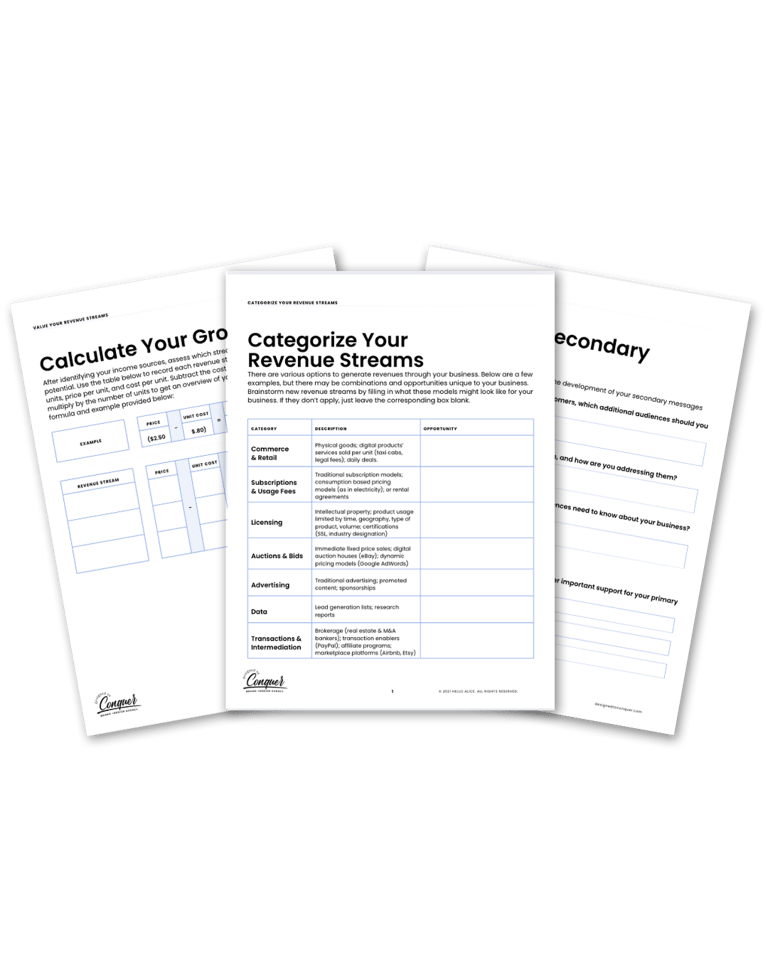
DOWNLOAD Brand Building Playbook
Download the Brand Building Playbook today and take control of your brand’s future. Start solving your biggest challenges and build a business that thrives!
Related Articles
©2026 Designed To Conquer LLC Terms & Conditions FAQ Private Policy
Designed To Conquer LLC is a NYS MBE Certified Creative Tech. Studio.
STUDIO HOURS
Monday: 10am-6pm
Tuesday:10am-6pm
Wednesday:10am-6pm
Thursday:10am-6pm
Friday:10am-6pm
Get the 5-step checklist we use for every client launch.